Small Business Tools I’d Actually Recommend
Running a small business is hard enough. This is a roundup of the tools that make the operational side easier (tried and tested by yours truly).
There is certainly no shortage of “tools you need for your business” content on the internet, that’s for sure. And at times, the amount of information can be overwhelming.
So, instead of adding to the noise, I want to keep this simple: after nearly a decade as a Canadian small business owner, here are the tools I genuinely use and would tell a friend about over coffee.
Some are free, some cost a little, and all are worth your consideration depending on your business. Let’s get into it.
1. Google Workspace
I do receive a small commission if you sign up using this link.
This is always my top recommendation for all business owners everywhere. If you’re running a business and still paying separately for custom email, video calls, e-signatures, scheduling, screen recording, and file storage… consider this your sign to stop.
Google Workspace (Standard Subscription) consolidates all of it into one subscription for about $200 CAD/year (you can even try it free for two weeks to see if it’s a fit).
Your custom business email (replaces PrivateEmail), Google Meet (replaces Zoom), built-in e-signatures in Google Docs (replaces DocuSign), calendar booking links (replaces Calendly), Google Vids for screen recordings (replaces Loom), and 2TB of storage (replaces Dropbox) are all included in this one single subscription.
Earlier this month, I wrote a full breakdown of everything that’s included, how each feature works, and how much money it can save you.
2. Jobber
I do receive a small commission if you sign up using this link.
If you run a service-based business (think cleaning, landscaping, trades, personal training, photography, any business where you’re booking and showing up IRL), Jobber is worth looking at seriously. It is a business management platform built specifically for this type of work.
Using their phone app or web service, you can quote jobs, schedule appointments, send invoices, collect payments, and manage client communication all in one place. This means, no more texting back and forth to confirm bookings, no more chasing people for payment, and most importantly, no more losing track of where you’re supposed to be.
The thing I appreciate about Jobber is that it’s built for people who are actually out doing the work, not just sitting at a desk. The mobile app is incredibly intuitive, easy to navigate, and clients get a clean experience on their end too.
They offer a free trial, with no credit card required, so I highly recommend checking it out to see if it will work for your business’ needs.
3. My Small Business Bookkeeping Template
To be completely transparent, I’m obviously biased here because this one is mine. Forged from my own need to maintain my books as a sole proprietor in Canada back in 2018, this has quickly become the go-to tool for thousands of business owners around the world.
While a bookkeeping software like Sage Accounting or QuickBooks can be a great tool for larger scale businesses with complicated finances, many smaller scale solopreneurs can get by with a well organized spreadsheet.
Using this template in combination with Google Drive for saving your receipts, you can log your income and expenses and it will do all of the math for you. That’s it. At tax time you’ll be glad you have it, and your accountant (if you use one) will be even happier.
It’s only $7, can be converted into any currency, and you can grab it here.
4. Apple Business Connect
This one is free and, in my opinion, wildly underused by small business owners everywhere.
Apple Business Connect is a free tool that lets you manage how your business shows up across Apple’s platforms (places like Maps, Siri, Search, and Wallet). So, when someone searches for your business on their iPhone, or looks you up in Apple Maps, you control what they see: your hours, your photos, your contact info, your website.
Further to this, it can also be used by business owners without a physical location. Here’s mine as an example:
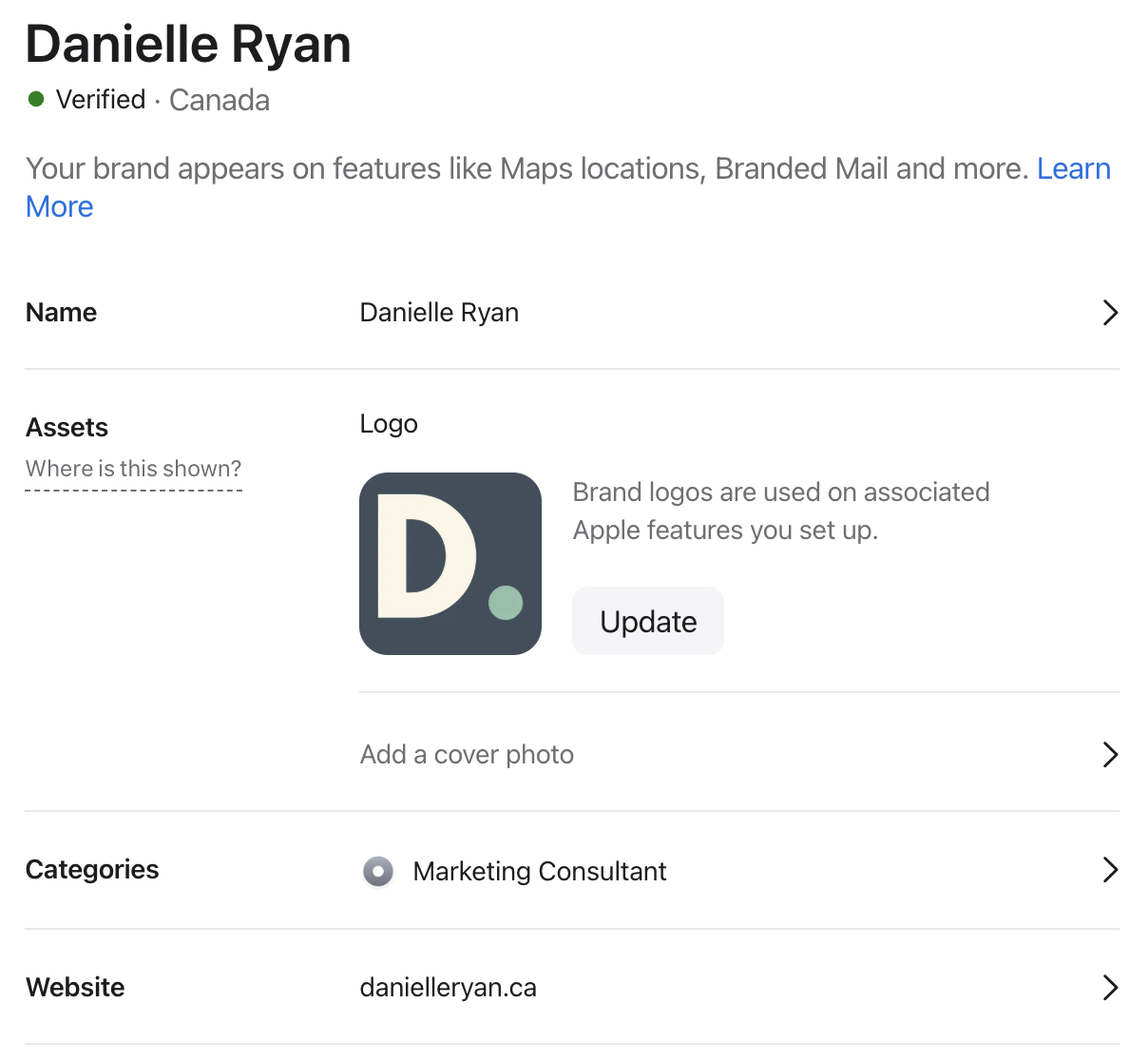
Setting it up takes maybe 20 minutes, it’s completely free, and it’s one of those things that just runs quietly in the background making your business easier to find.
The Bottom Line
The best business tools are the ones that quietly make your life easier so you can spend more time on the work that actually moves the needle. So, whether you’re just starting out or a few years in, getting your operations sorted early saves you a lot of headaches down the road.
Start with what makes sense for where you are right now, and build from there.
Get your books sorted
The Small Business Bookkeeping Template: $7, no accounting background required.
Get the template →